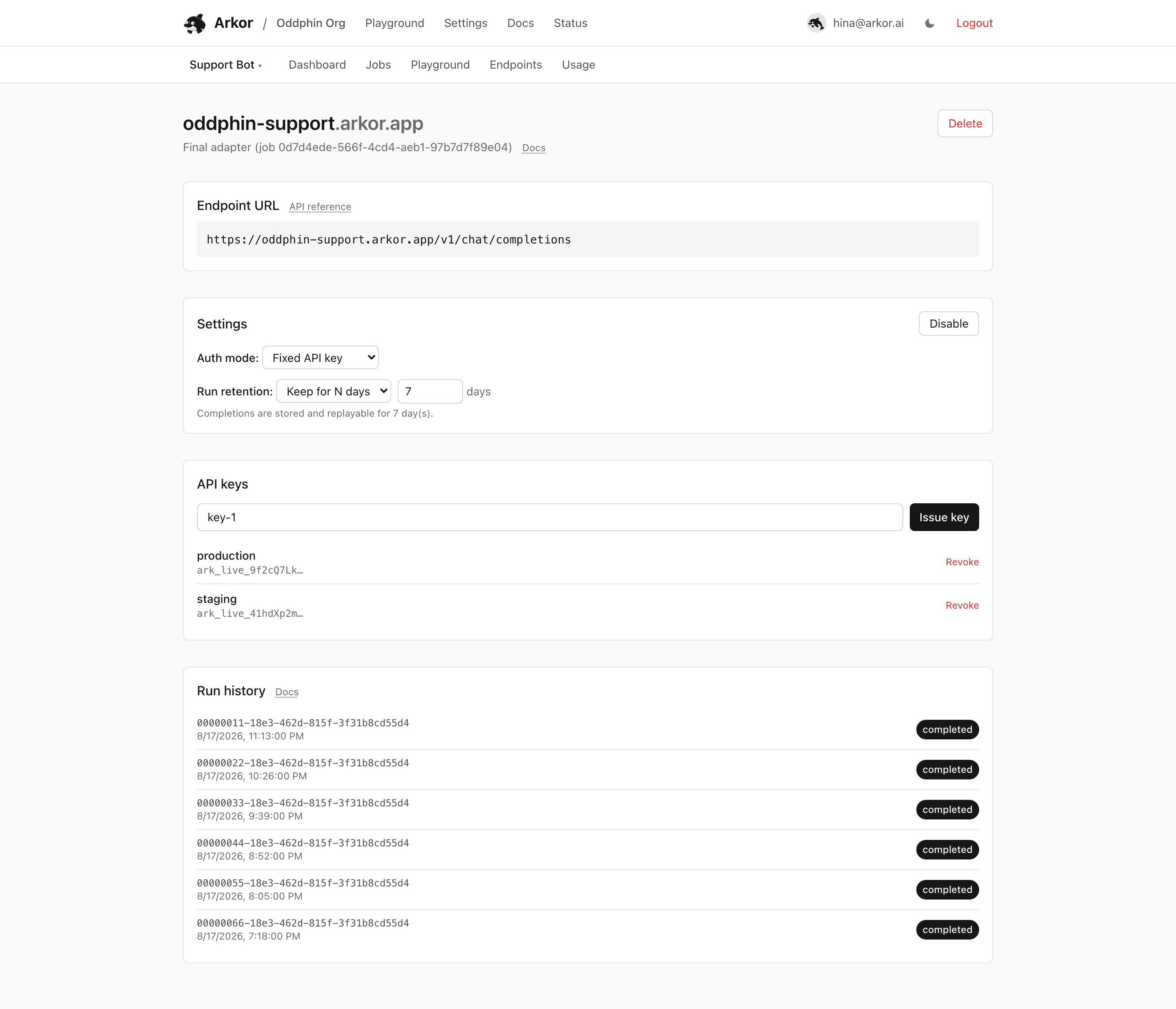
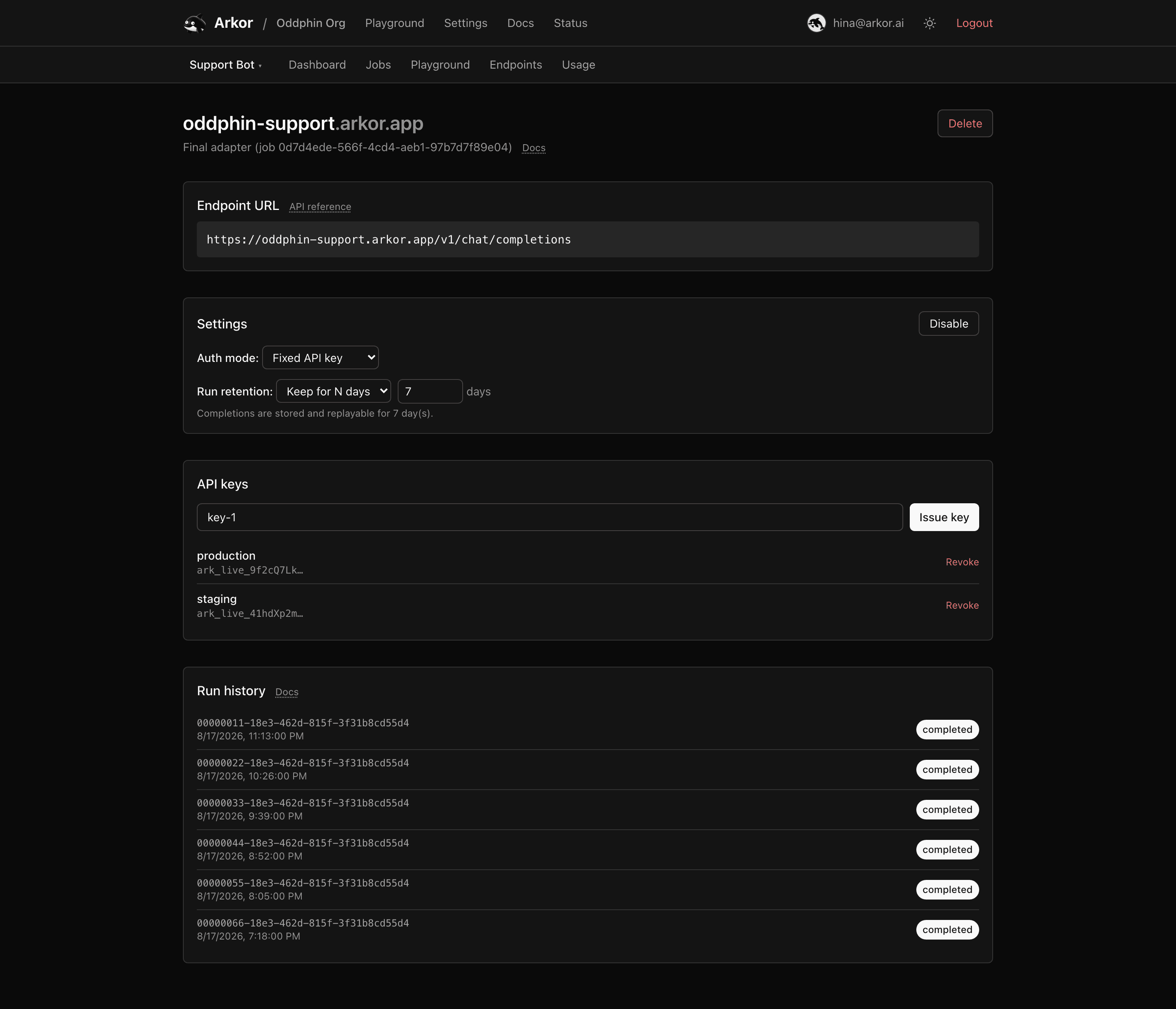
Stored inference runs: what gets recorded, the transcript viewer, and retention.
When an endpoint's run retention is enabled, inference requests against it are recorded as runs: the full request input (messages and inference parameters) and the full response (including streamed tool calls and reasoning). Both surfaces are recorded, POST /v1/chat/completions and POST /v1/messages. A run is stored once a request actually reaches a model server and starts producing a response — requests rejected before that point (auth failures, invalid bodies, rate limiting, or a dispatch that fails outright) do not appear in run history, so it is not an audit log of every attempt. Requests served by an external third-party provider (for example Gemini or Claude models on a multi-model endpoint) are never recorded regardless of the retention setting — no run is stored and no X-Arkor-Run-Id header is returned, so third-party-served prompts and completions never enter Arkor's transcript stores; only the aggregate Usage row is written. The endpoint detail page lists runs; clicking one opens the transcript viewer.
POST /v1/chat/completions: the messages array and the model-input parameters (temperature, sampling params, tools, response format, reasoning settings), normalized to their internal camelCase names; max_completion_tokens is folded into the single stored maxTokens. Transport and routing fields are not part of the stored input: the selected model, stream / stream_options, and the user / attribution ids (the attribution ids are kept as run metadata instead). Inline image bytes are not stored either: an image_url part's base64 data URL is replaced with a size/media-type placeholder (<stripped: N chars, image/jpeg>) before the input is persisted, so the transcript shows where an image sat and how large it was, never the image itself. Run history is therefore not a byte-exact record of the request you sent.POST /v1/messages: the request body verbatim, unknown fields included, because that route is a passthrough with no normalization step. That does mean the recorded body carries the model and stream values you sent, (as everywhere in run history) any metadata.user_id you attached, and — unlike the Chat Completions surface — any base64 image blocks as-is: no placeholder substitution happens on this surface, because its recorded input is deliberately exactly what the model received.completed, failed, or cancelled; streaming and finalizing appear transiently while a run is in flight), timestamps, and the ids used for Usage attribution. The status reflects the generation, not just the transport: a response that carried an error part-way through, or ended without its completion marker, is recorded as failed even though the bytes we did receive are stored and replayable, and it matches the status on the same request's usage row.Text storage is verbatim. Arkor does not redact prompt or completion text, so anything your users type (including personal data or secrets) lands in the transcript as-is. Inline image data is the one split: replaced with a size placeholder on the Chat Completions surface (as described above), stored as-is on the Messages passthrough. Choose retention accordingly, and prefer Don't store for endpoints handling sensitive traffic.
For each run the viewer shows:
Individual runs can be deleted from the viewer.
Each stored run can also be replayed straight from the endpoint itself via GET /v1/chat/completions/runs/{id}. The route follows the endpoint's configured auth mode: fixed-key endpoints require an API key, open (no-auth) endpoints replay without one. See the Chat Completions API reference. The run id is returned on the original response in the X-Arkor-Run-Id header.
Runs recorded on POST /v1/messages replay through that same path, and their stored bytes are Anthropic events rather than OpenAI chunks.
Retention is configured per endpoint (see Managing endpoints):
410 on replay, then are deleted by a background sweeper.X-Arkor-Run-Id header is returned.Retention changes apply to future requests only. Switching an endpoint to Don't store stops new recordings but does not purge what was already stored: existing runs stay listed and replayable until their original expiry or manual deletion. To clear prior history, delete the runs (or the endpoint — deleting an endpoint deletes its stored runs).
License
The content of this page is licensed under CC BY 4.0.
Code samples are licensed under the MIT License, which asks you to keep its copyright and permission notice in all copies.
© 2026 Arkor