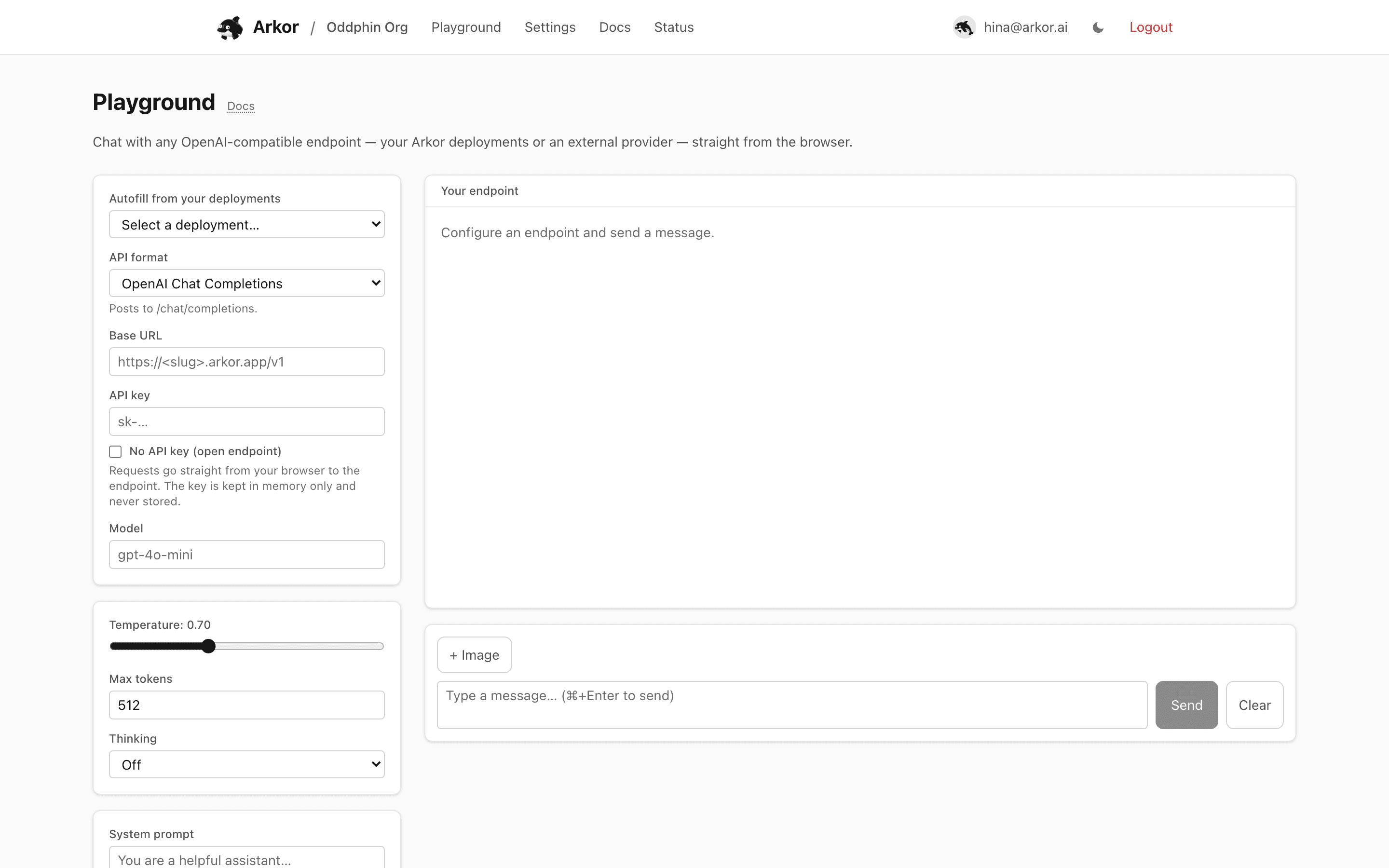
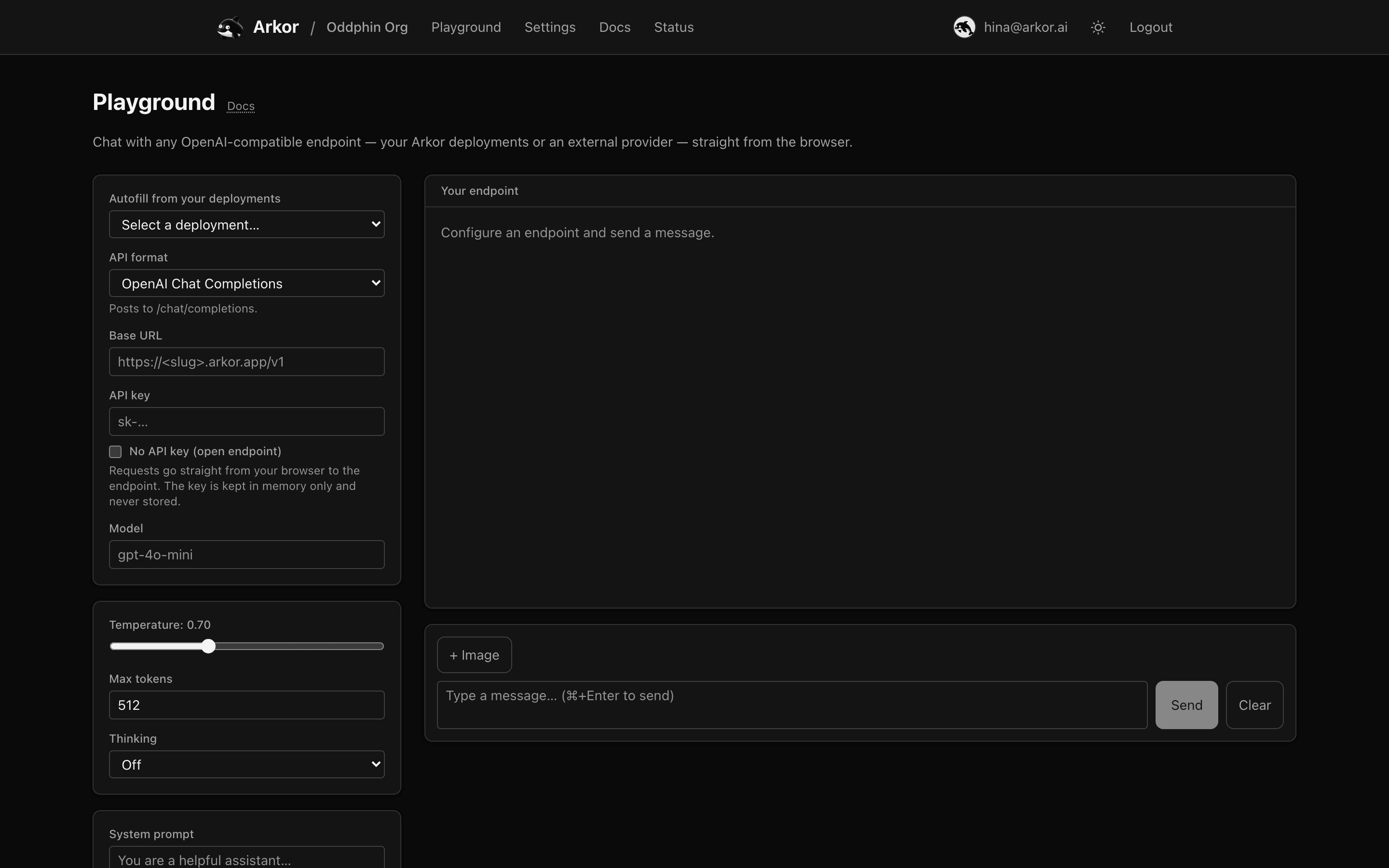
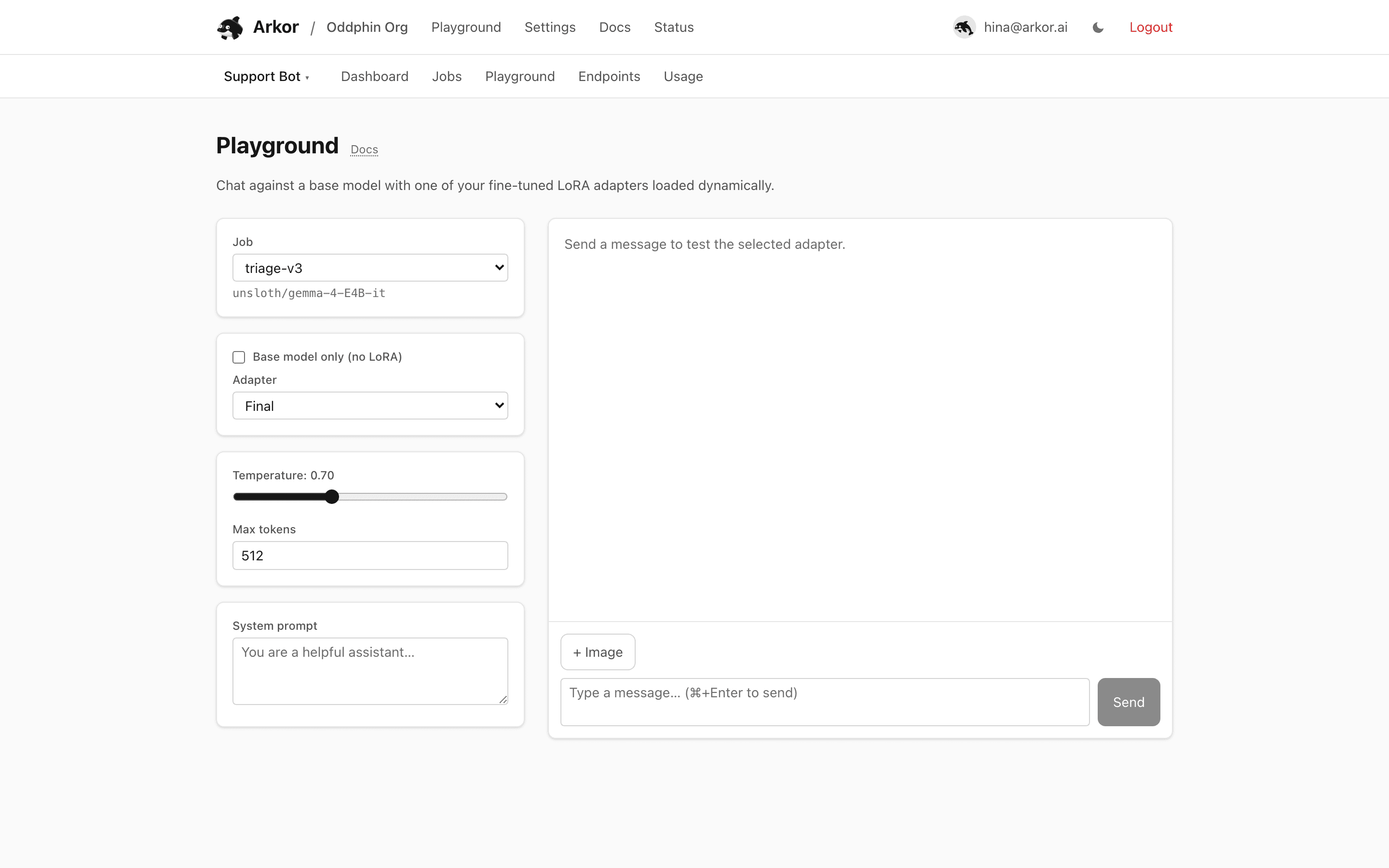
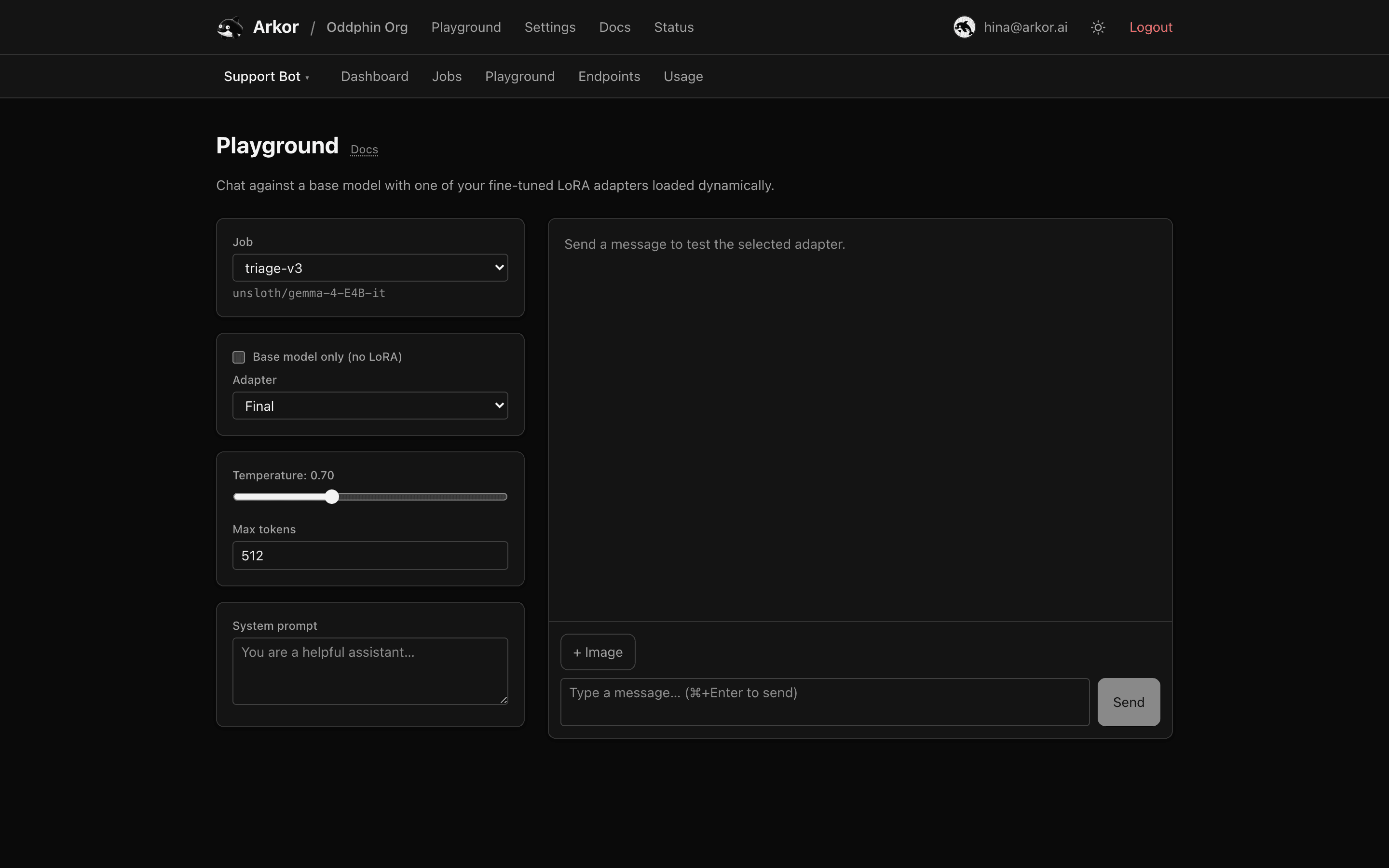
Two chat UIs: the org playground for any OpenAI-compatible endpoint, and the project playground for your fine-tuned adapters.
Arkor Cloud has two playgrounds with different jobs.
arkor.ai/<org>/playground chats with any OpenAI-compatible endpoint: your Arkor endpoints, a local vLLM, or a third-party provider. Point it at a base URL and go.
*.arkor.app ingress receives the key to authenticate the request, like any other client would send it).arkor.ai. Arkor endpoints already do; for a local vLLM or a third-party provider that blocks browser calls, enable CORS on that server (for vLLM, e.g. --allowed-origins '["https://www.arkor.ai"]') or the request will fail even though the API itself is compatible.Settings persist per organization in your browser, except the API key, which is deliberately forgotten.
arkor.ai/<org>/<project>/playground chats with your fine-tuned adapters. Pick a completed training job, then:
Responses stream token by token. The adapter loads dynamically on Arkor's inference workers, so switching between jobs and checkpoints takes seconds and needs no deployment. When a checkpoint chats well, serve it properly with an endpoint.
License
The content of this page is licensed under CC BY 4.0.
Code samples are licensed under the MIT License, which asks you to keep its copyright and permission notice in all copies.
© 2026 Arkor