Create and operate *.arkor.app endpoints: targets, auth modes, API keys, run retention, and lifecycle.
An endpoint is a dedicated URL of the form https://<slug>.arkor.app that serves OpenAI-compatible chat completions, and Anthropic's Messages API for the models that support it. Each endpoint belongs to a project and is managed from the project's Endpoints tab. The wire protocol, including which models are served on which surface, is documented in the Chat Completions API reference.
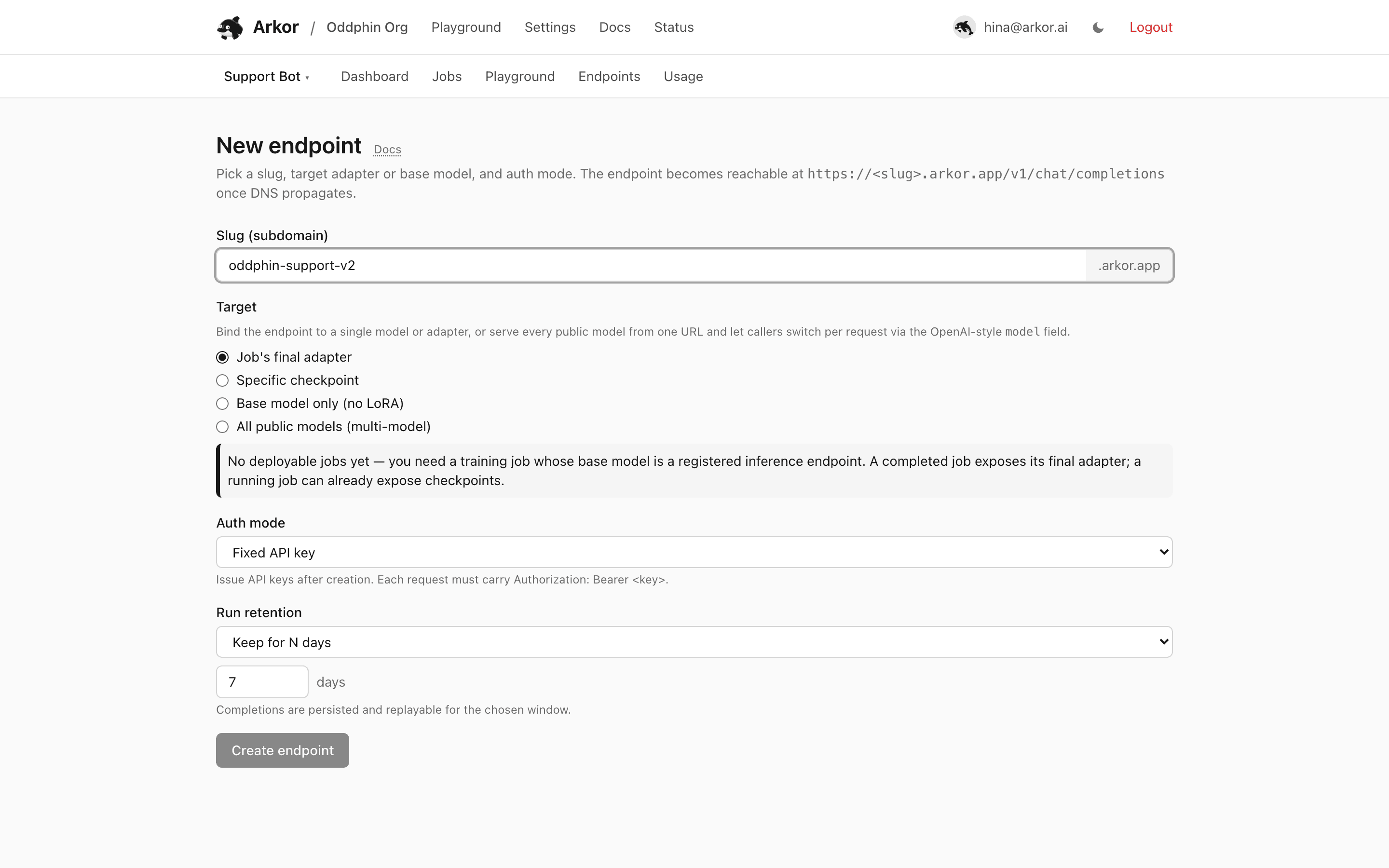
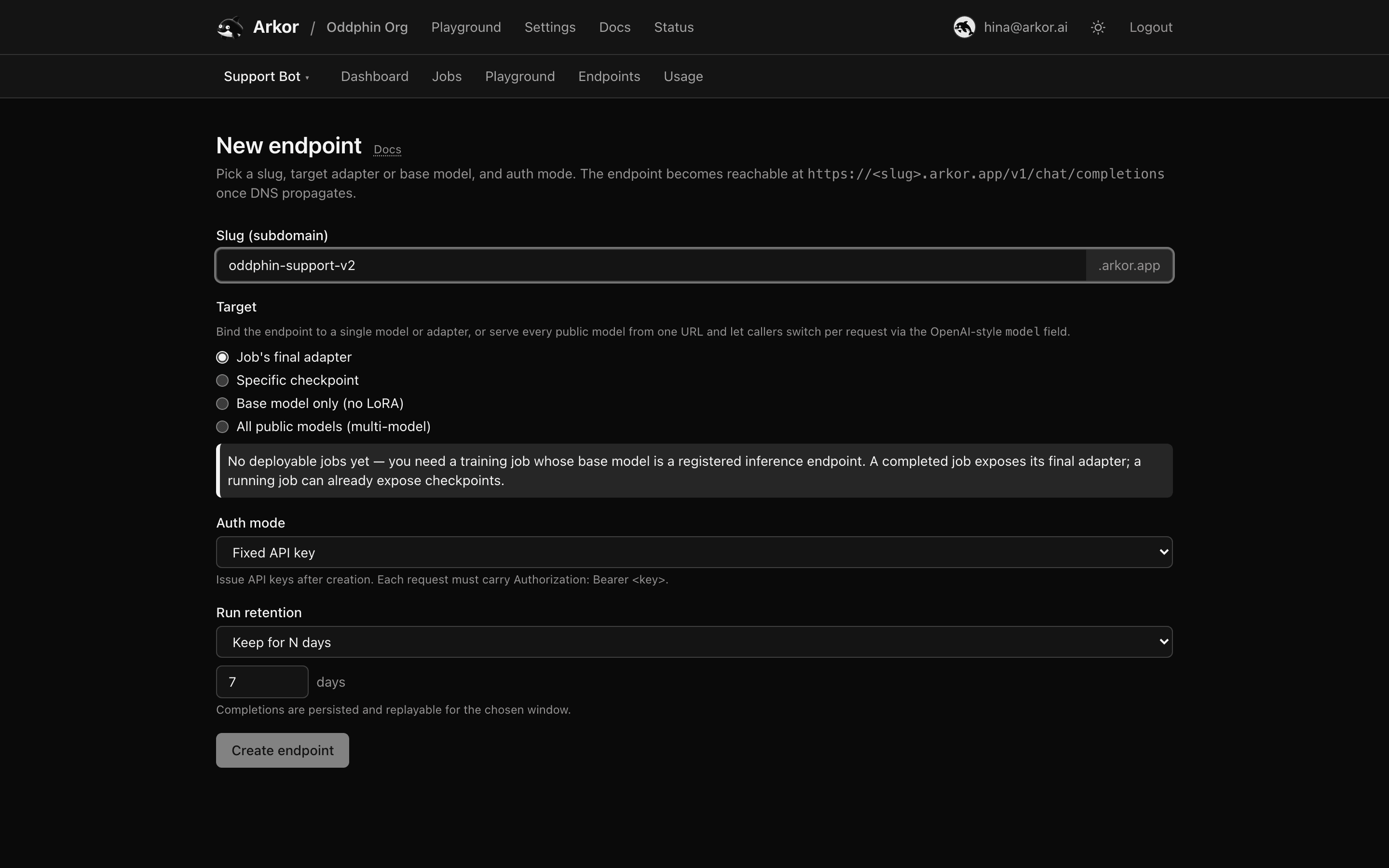
Endpoints → New endpoint asks for four things.
The slug becomes the endpoint's subdomain. Rules:
www, api, app, admin, dashboard, docs, status, and similar) are rejected.What the endpoint serves. Four choices:
model field; omitting it uses the default model, GET /v1/models lists the current ids, and newly published models appear on the endpoint automatically. (One-click endpoints from the home page use this target.)Arkor Cloud validates the target at creation time: the job must belong to the same project, the adapter artifact must exist, and the base model must be registered for inference.
Authorization: Bearer or x-api-key.Controls whether requests and responses are recorded for Run history:
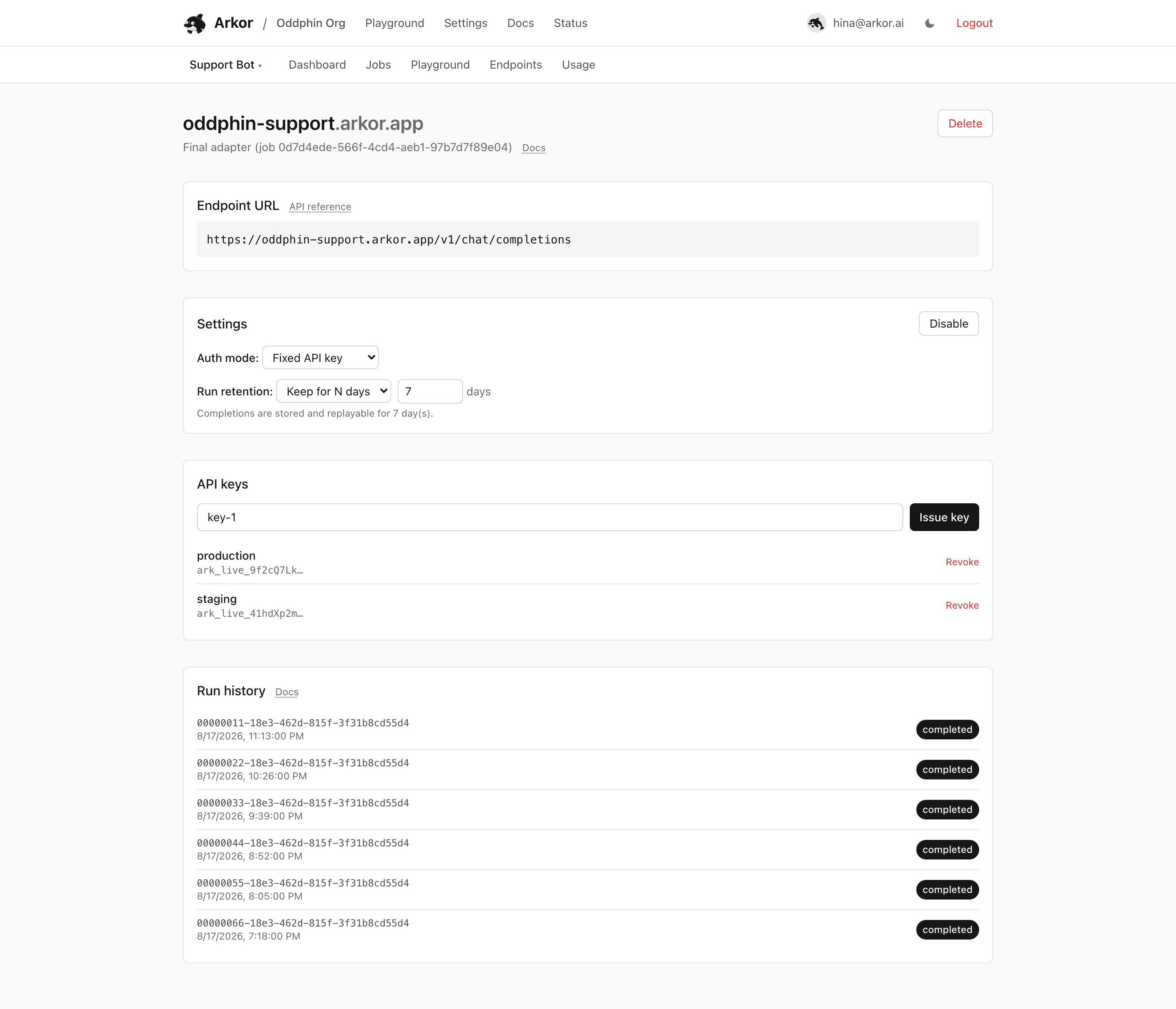
Endpoints in fixed-key mode can have up to 20 enabled keys, each with a label (up to 80 characters, unique among enabled keys).
Hand out separate keys per consumer so you can revoke one without rotating the others.
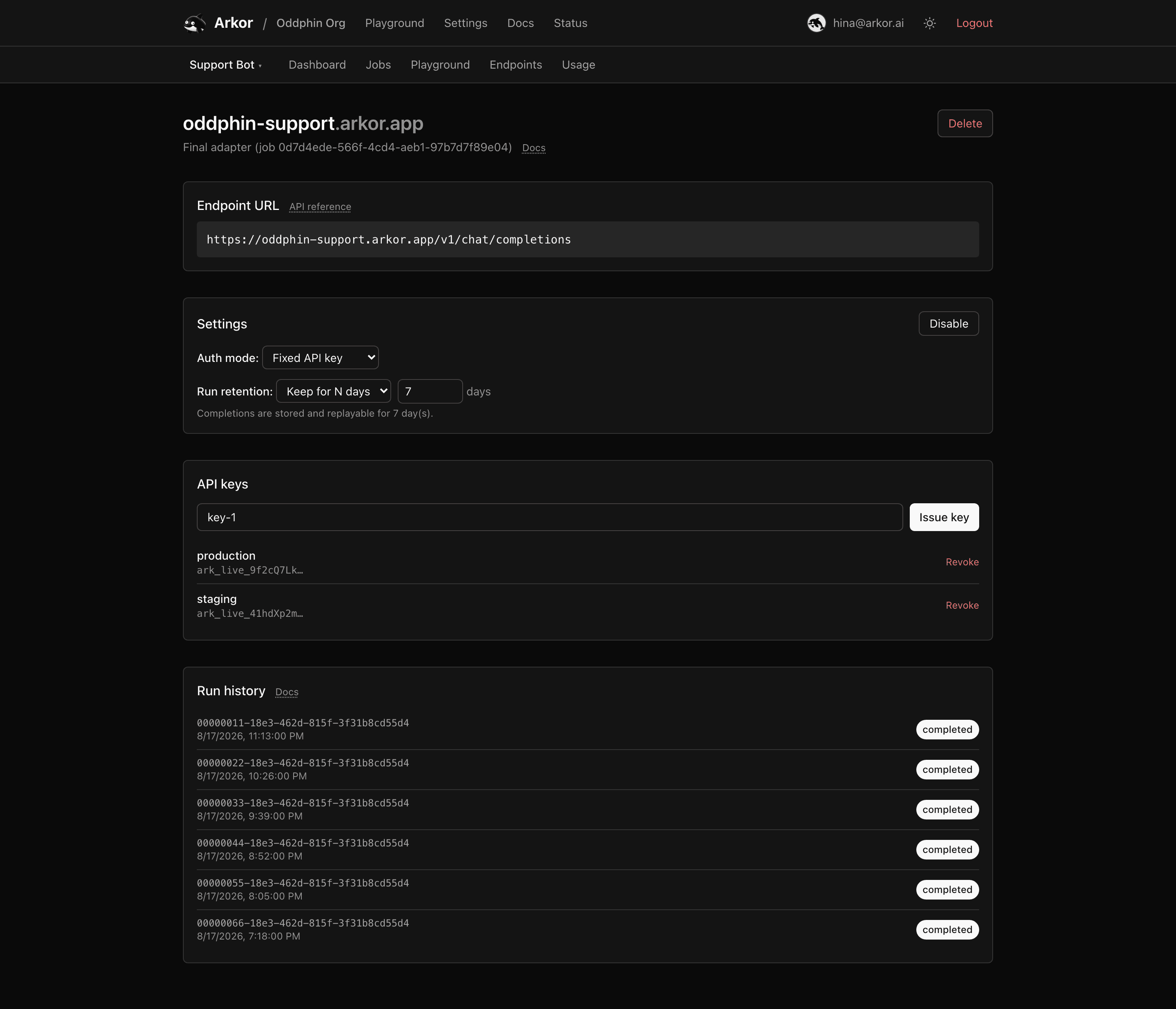
From the endpoint detail page you can, at any time:
The target itself has no dashboard control today: retargeting the same URL to another job, checkpoint, or base model is done through the SDK's deployments API, which updates the endpoint in place without clients noticing.
Delete removes the endpoint with its keys and stored run history. Serving stops within the same roughly 30-second window as key revocation (edge instances briefly cache deployment state). The slug is normally free to register again right away; only when a large stored-run history has to be drained by the background sweeper does it stay reserved until that cleanup finishes.
Endpoints created without an account behave differently: one-click endpoints from the home page expire after 7 days (see One-click endpoint), and anonymous identities are capped in how many live endpoints they can hold. Account-owned endpoints never expire.
License
The content of this page is licensed under CC BY 4.0.
Code samples are licensed under the MIT License, which asks you to keep its copyright and permission notice in all copies.
© 2026 Arkor