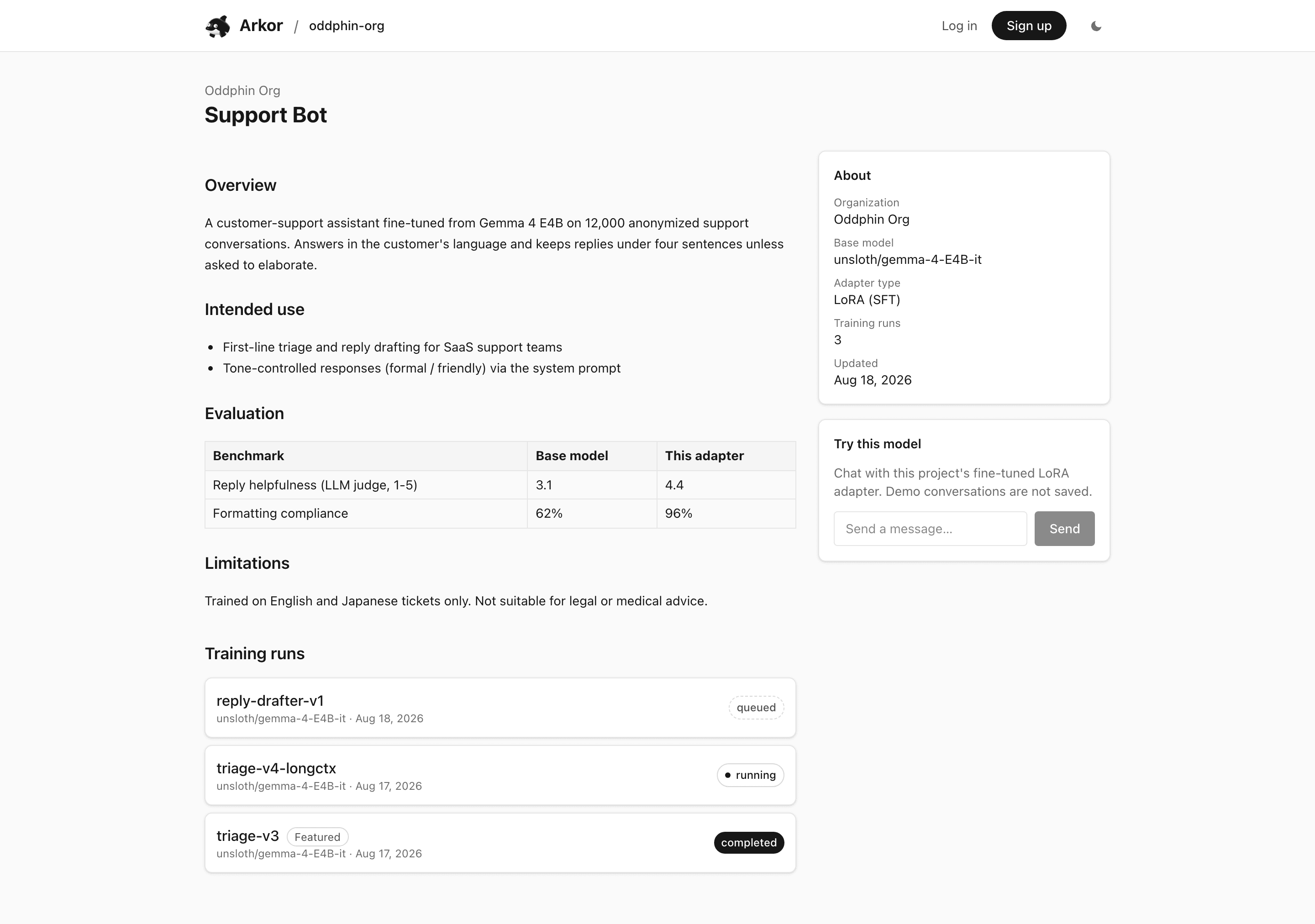
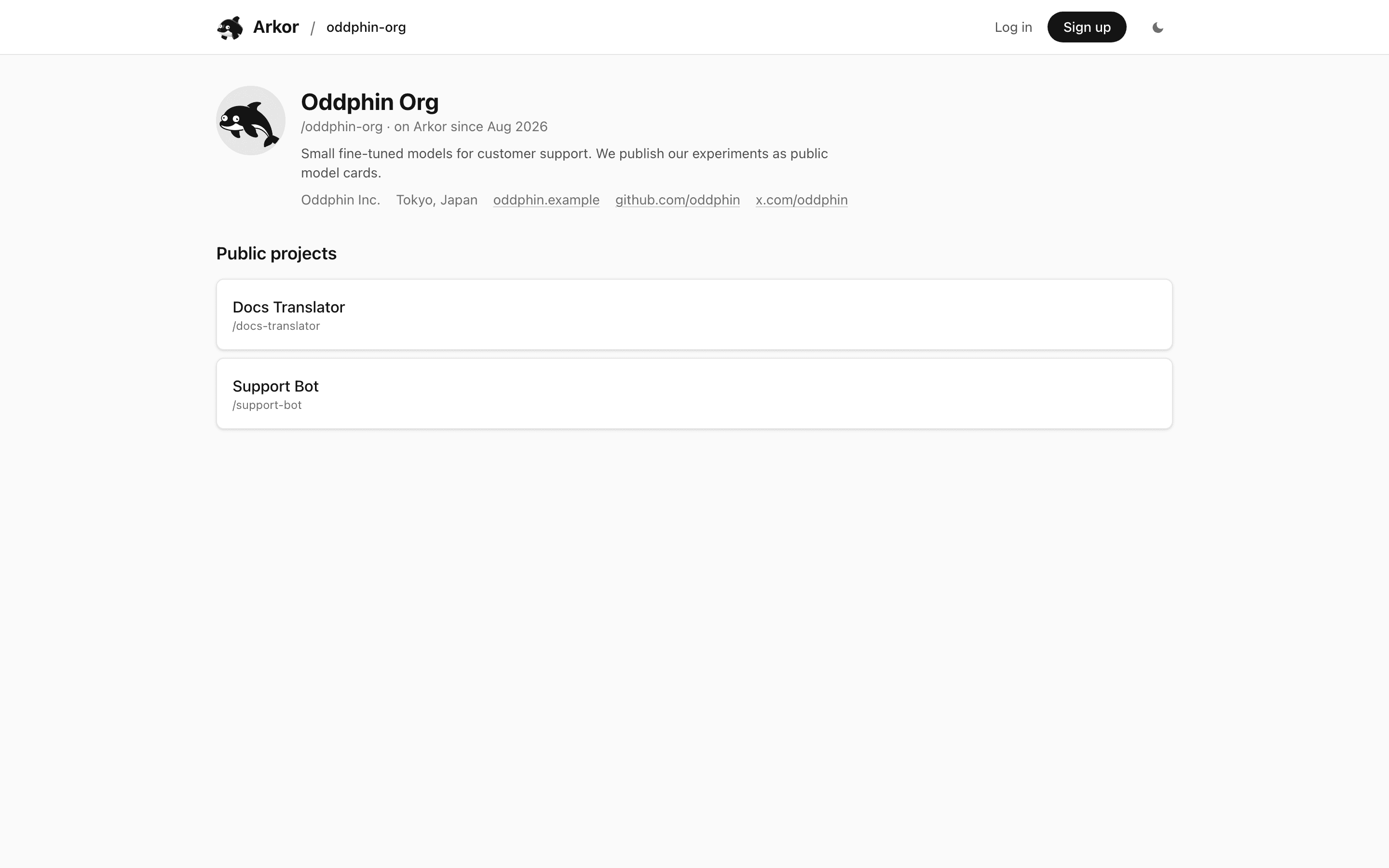
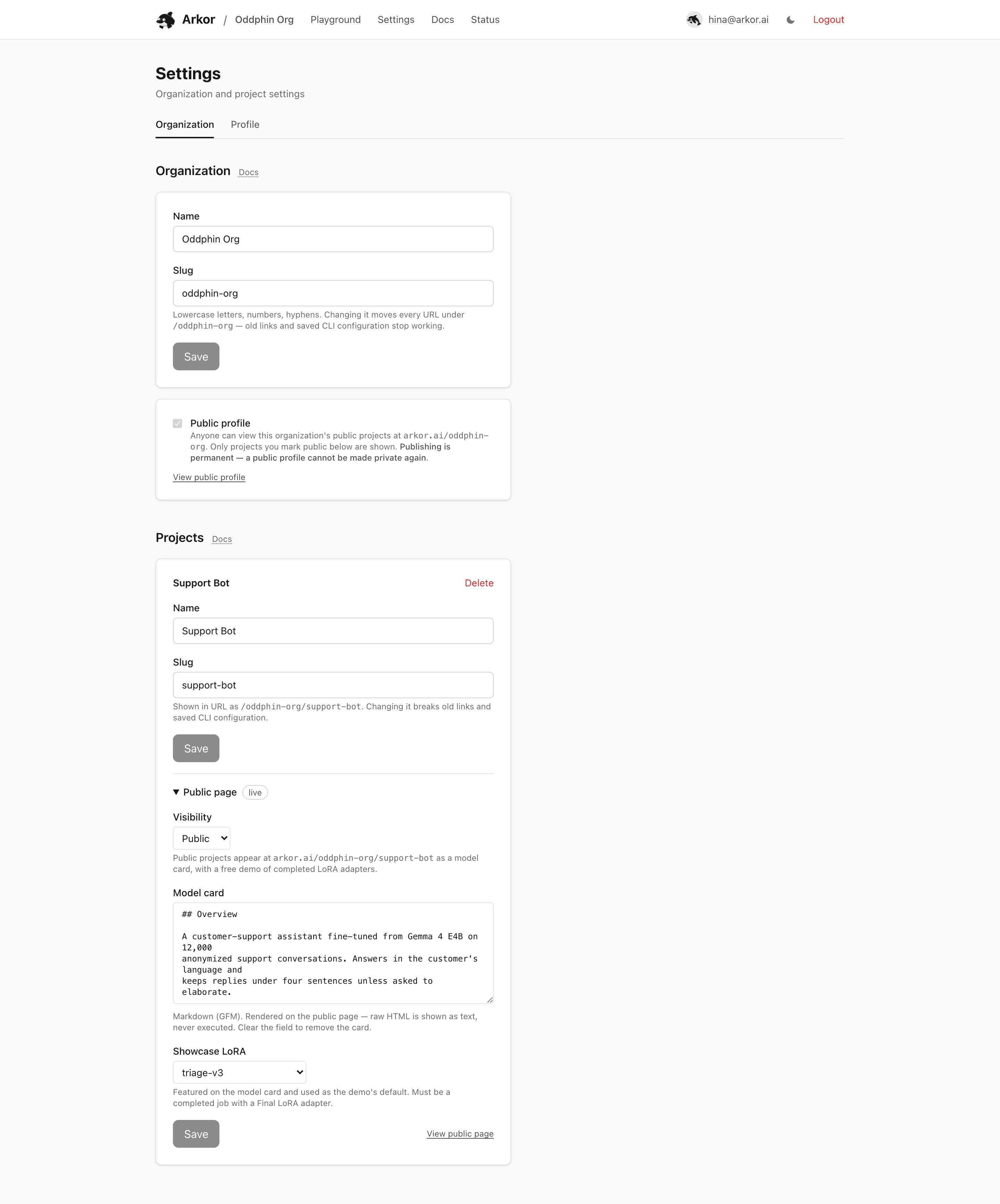
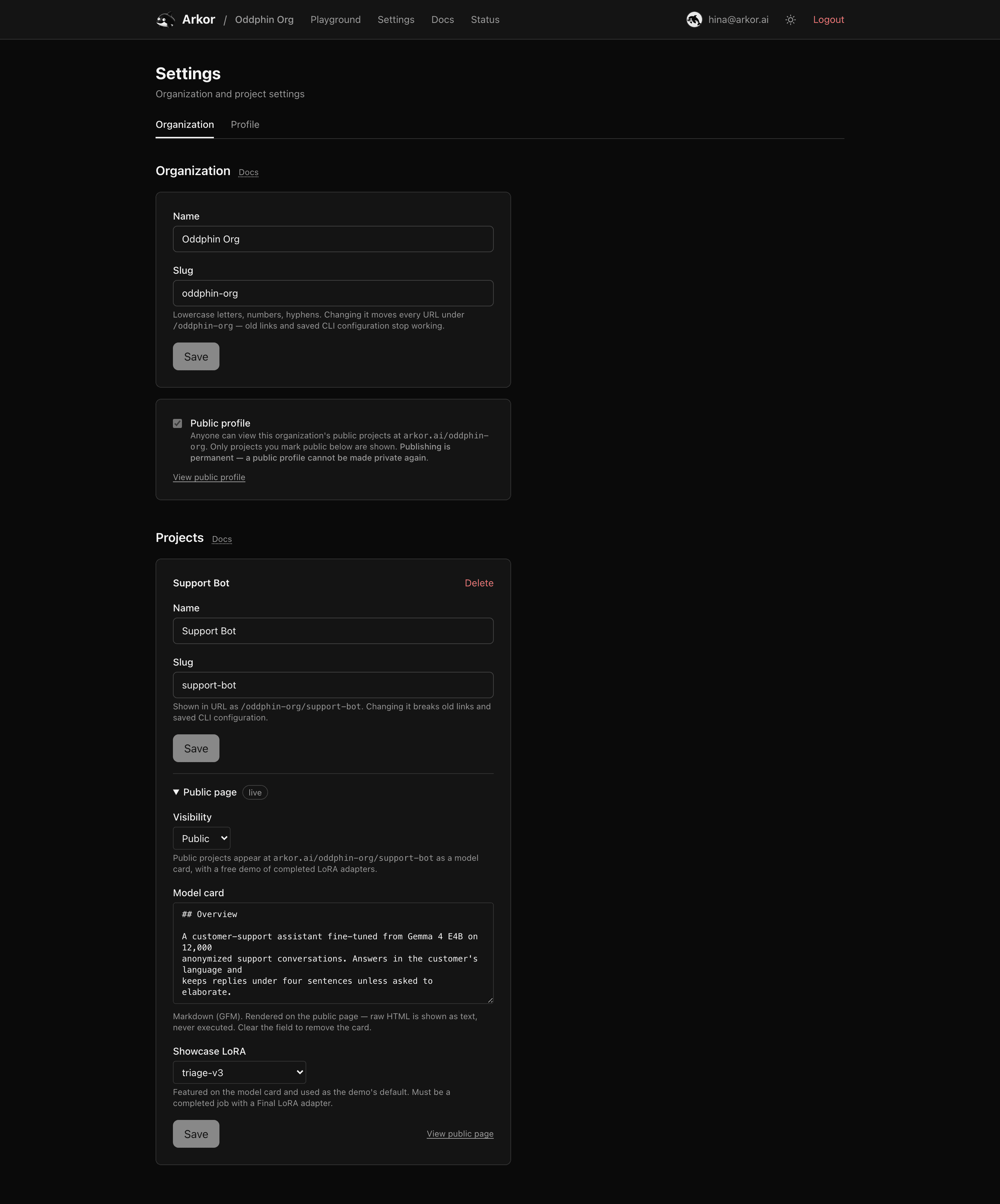
Publish an organization profile, share fine-tuned projects as public model cards, and let anyone try your adapters in the browser for free.
By default everything under arkor.ai/<org> is private — visitors without a session get a 404, and even the organization's existence is hidden. Publishing changes that per organization and per project: the same URLs serve members their private dashboard, and everyone else a public page. There is no separate "public site" to maintain — you publish the project you already have.
Two pages make up the public surface:
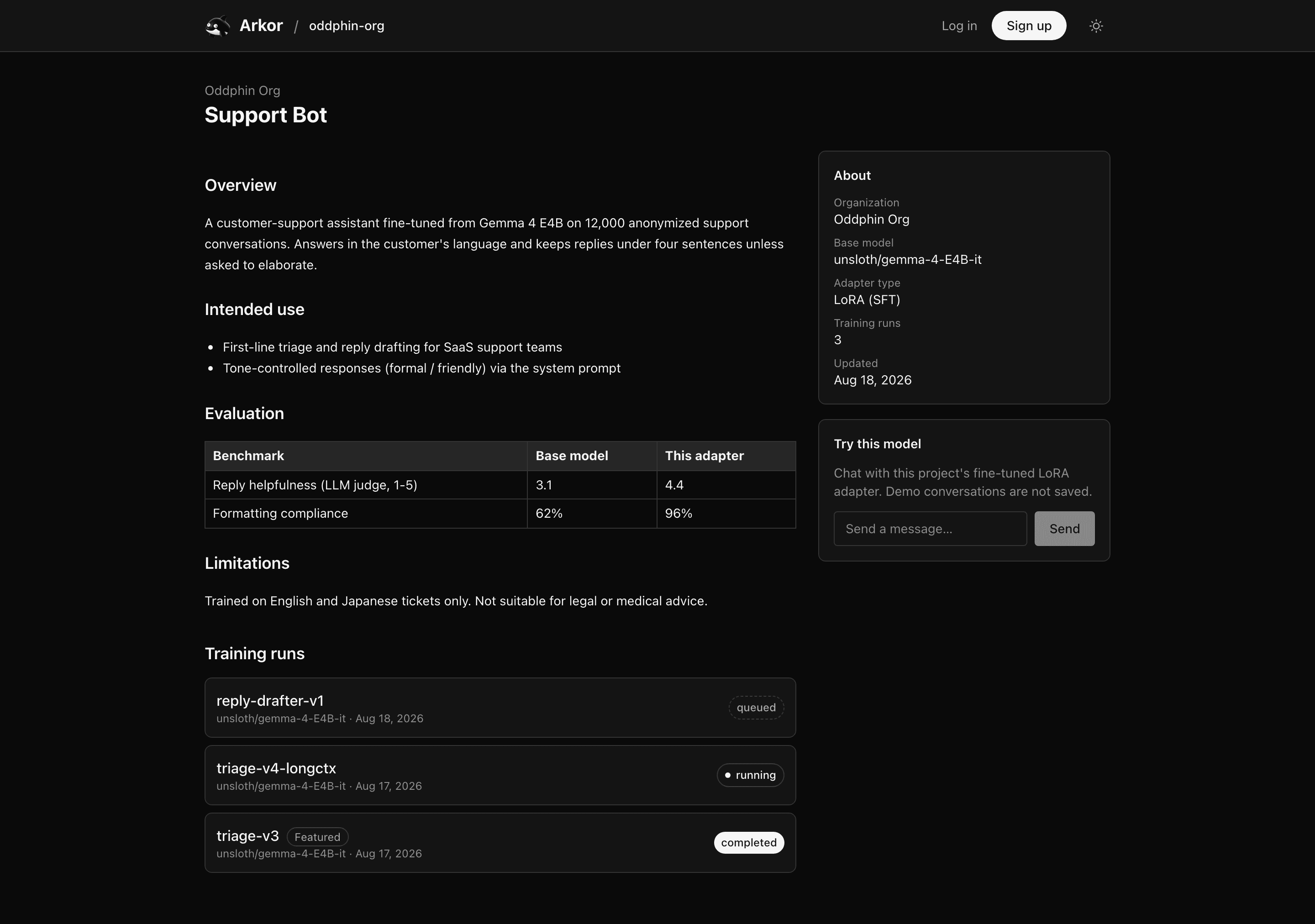
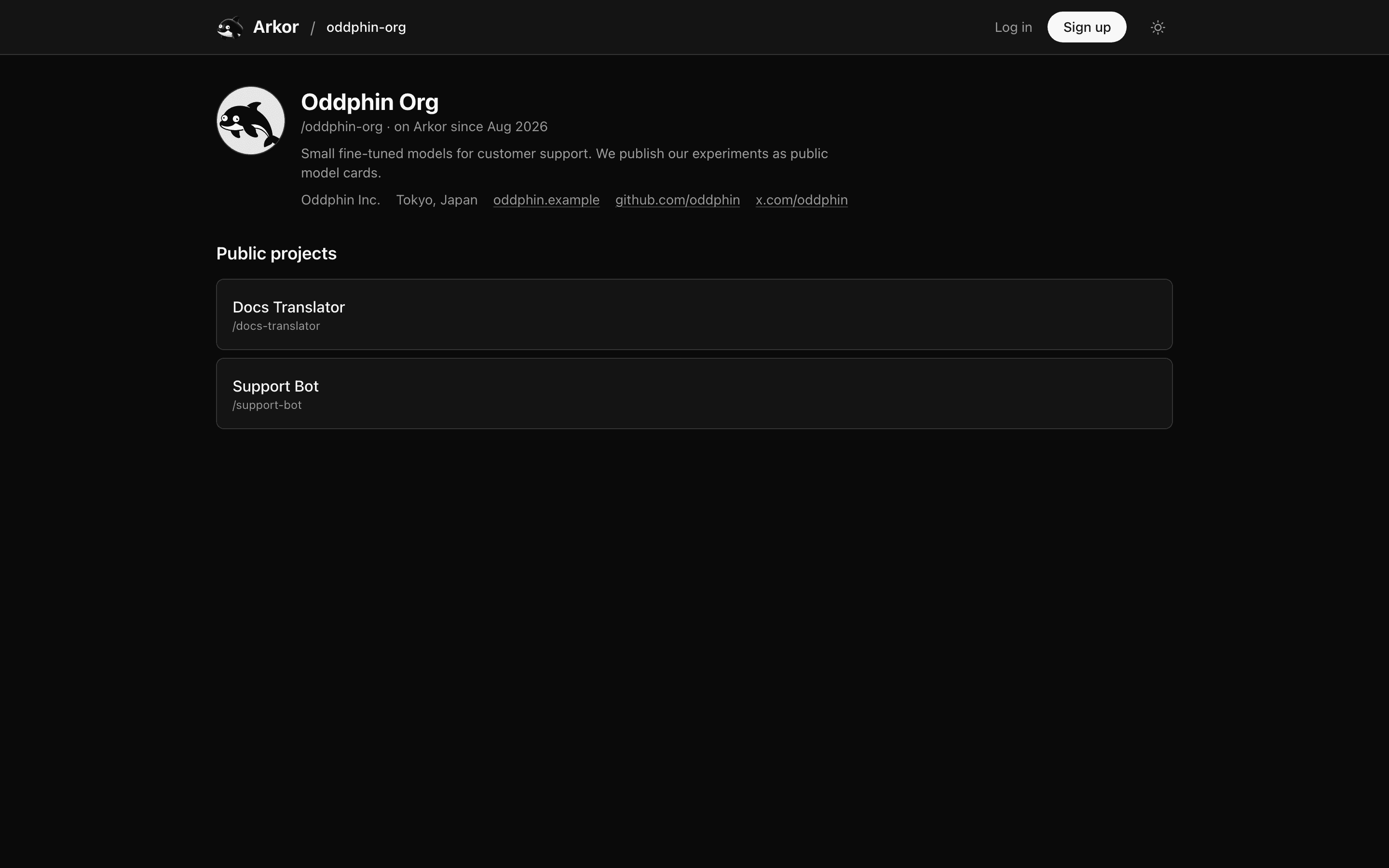
arkor.ai/<org> — the organization profile: the profile header (avatar, bio, company, location, links), join date, and the list of public projects. Private projects are simply absent.arkor.ai/<org>/<project> — the project's model card page: your Markdown description in the main column, an About panel (organization, base model, adapter type, run count, last update), a free demo chat, and a redacted list of training runs.Everything else stays members-only: jobs, endpoints, the playground, usage, and settings all answer anonymous visitors with a 404. The run list on the card shows run name, status, base model, and dates only — dataset sources and URLs, hyperparameters, provider details, and artifact download links are never exposed.
In Settings, enable Public profile. Once enabled, arkor.ai/<org> becomes viewable by anyone and lists the organization's public projects.
Two things are permanent from that moment:
Individual projects, however, can be switched back to private whenever you like — the profile stays up, the project disappears from it.
Anonymous trial organizations (created by the one-click App Server flow) cannot publish a profile.
Each project row in Settings has a Public page section with three controls. A project page is only reachable when both the organization profile and the project are public.
Private (default) or Public. Reversible at any time.The View public page link next to Save shows exactly what a visitor sees — see Previewing.
The card is standard Markdown with GFM extensions — headings, lists, tables, code blocks, block quotes, and links all render. A few rules keep owner-authored content safe to serve to anonymous visitors:
<script> or any other tag is displayed as literal text.https:// URLs on external hosts. http:// images and images pointing back at Arkor's own domains are not rendered (the alt text shows instead). Hotlinked images are fetched by the visitor's browser, so host them somewhere reliable.rel="nofollow". Relative links and links back into the app are rendered as plain text.Visitors can chat with your fine-tuned adapter directly on the card — no account required. The GPU time is funded by Arkor and is never metered against your organization's rate limits.
How it behaves:
Append ?view=public to your organization or project URL — or use the View public page / View public profile links in Settings — to see the public page exactly as an anonymous visitor would, while staying logged in. Navigation inside the preview keeps the marker, and leaving it returns you to the dashboard. On a still-private project the preview shows the visitor's 404, which is itself informative: that is what the world currently sees.
| Surface | Anonymous visitors get |
|---|---|
/<org>, /<org>/<project> (both published) | The public page, indexable by search engines |
| The same URLs, not (yet) published | 404 |
| An organization or project that does not exist | The same 404 |
| Jobs, endpoints, playground, usage, settings | 404 |
Private and nonexistent resources answer with an identical 404, so probing URLs reveals nothing about what exists. Public pages carry no noindex and are crawlable — treat everything on a published card as world-readable, including by search engines and archives.
License
The content of this page is licensed under CC BY 4.0.
Code samples are licensed under the MIT License, which asks you to keep its copyright and permission notice in all copies.
© 2026 Arkor