
Give your organization a profile
Public organizations now have a profile to go with their projects. Add a bio, company, location, website, and up to four social links under Settings → Profile, and they appear at the top of your public page. A personal organization also picks up the avatar from the account you signed in with; a team organization shows a monogram.
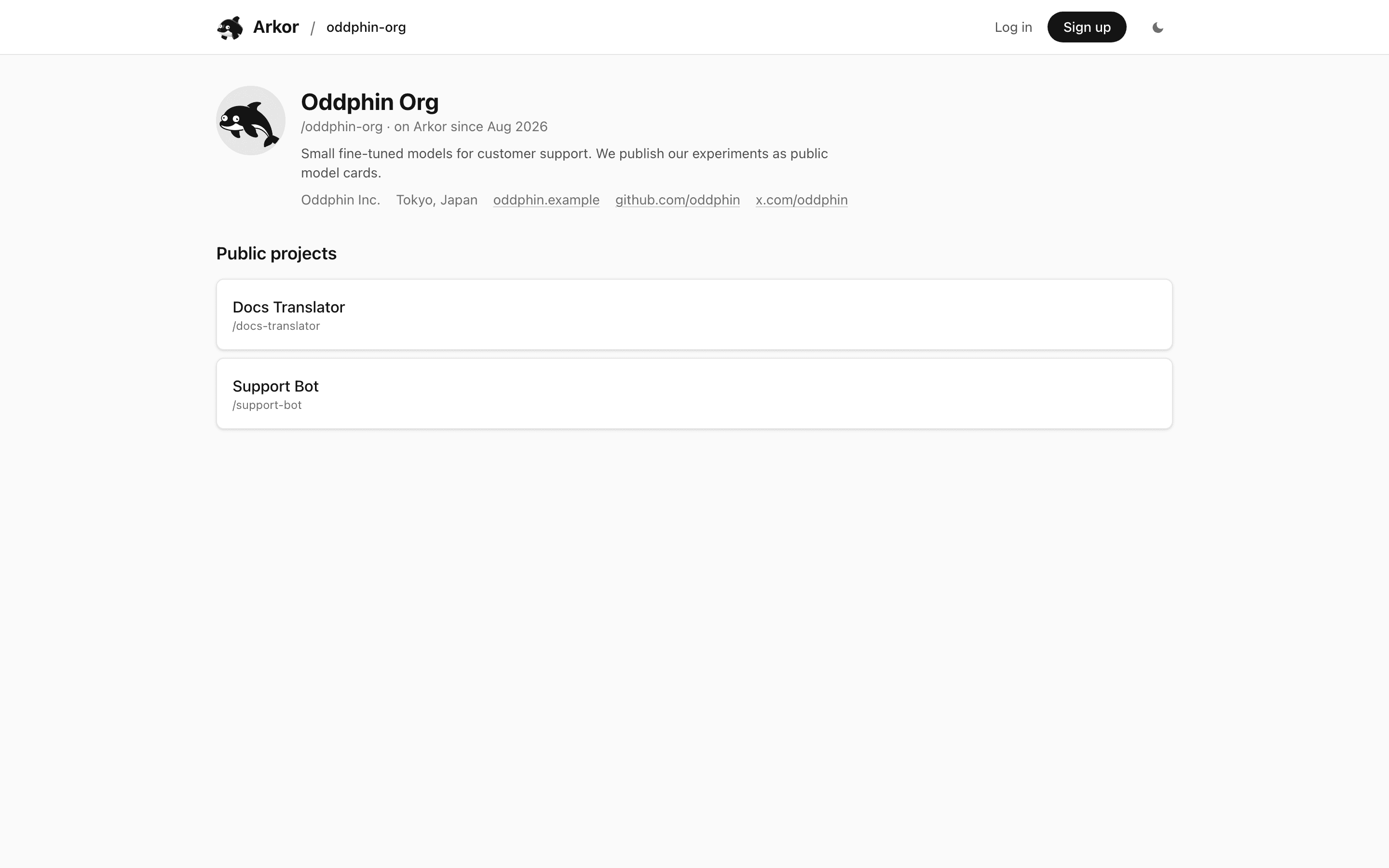
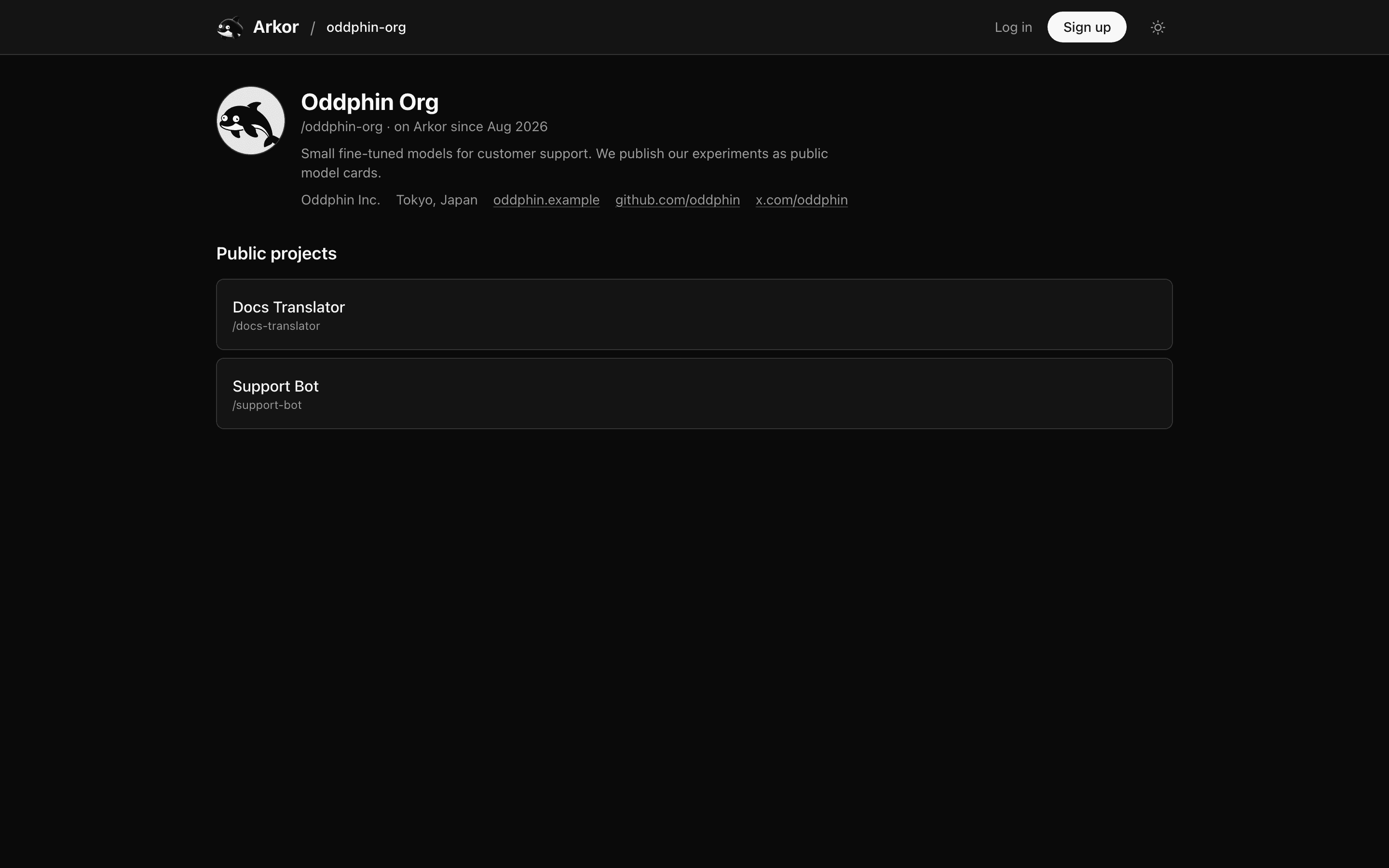
The fields are editable whether or not the organization is public, so you can write the profile first and publish afterwards.
See Organization profile for the details.